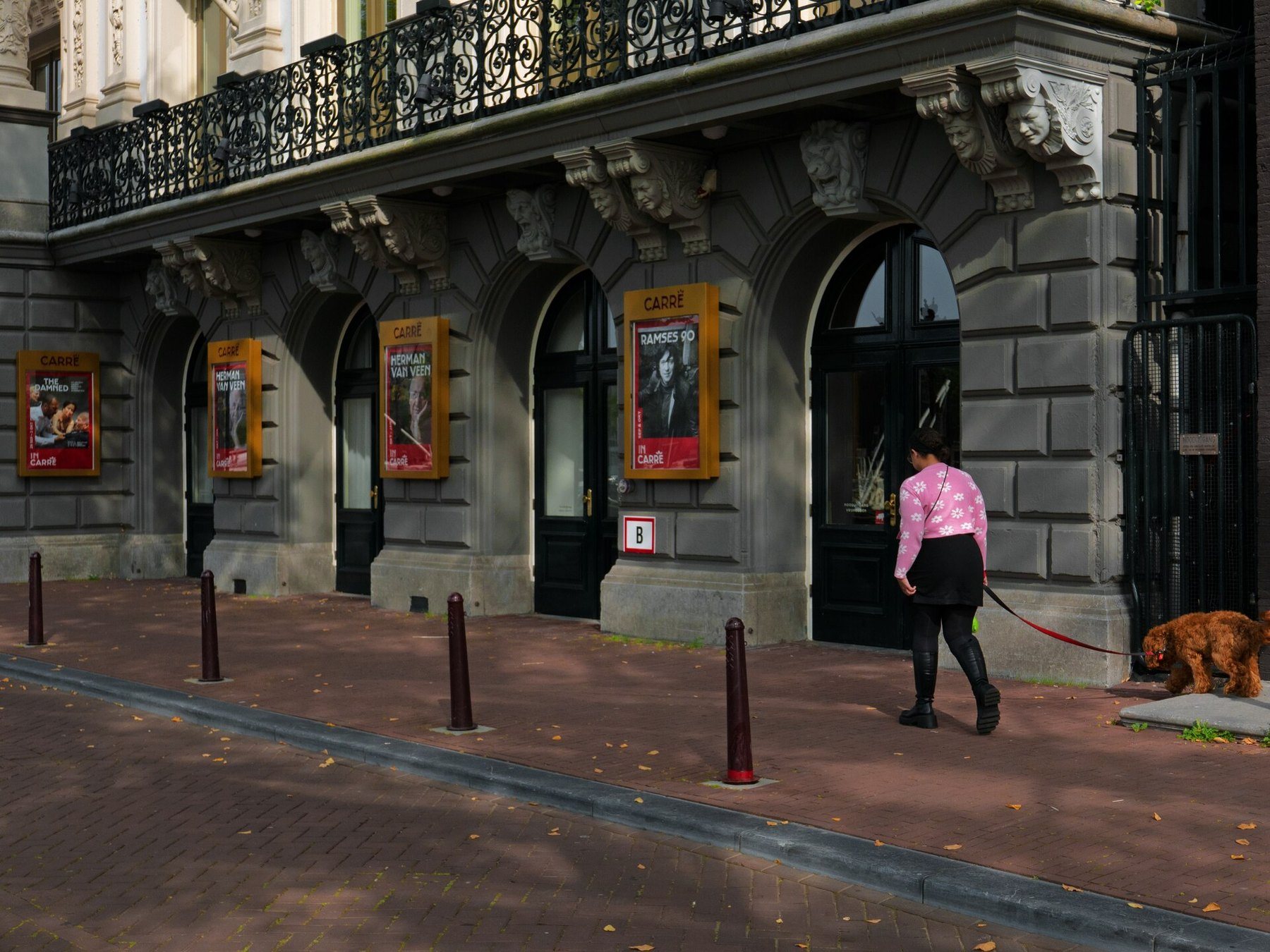
Computer Vision & Media Processing
A high-performance C++ server with 20+ image, video, text, and NLP processing capabilities. Connect via TCP JSON protocol or MCP tools for seamless AI integration.
// Request { "type": "detect_objects", "image_path": "photo.jpg", "request_id": "abc-123" } // Response { "request_id": "abc-123", "result": { "objects": [ { "class": "person", "confidence": 0.95, "bbox": { "x": 120, "y": 80 } } ] } }
Core Capabilities
From object detection to NLP, Inigami provides a unified server for all your media processing needs.
Object Detection
YOLOv5-powered object detection via OpenCV DNN. Identify and locate objects in images with bounding boxes, class labels, and confidence scores.
Depth Estimation
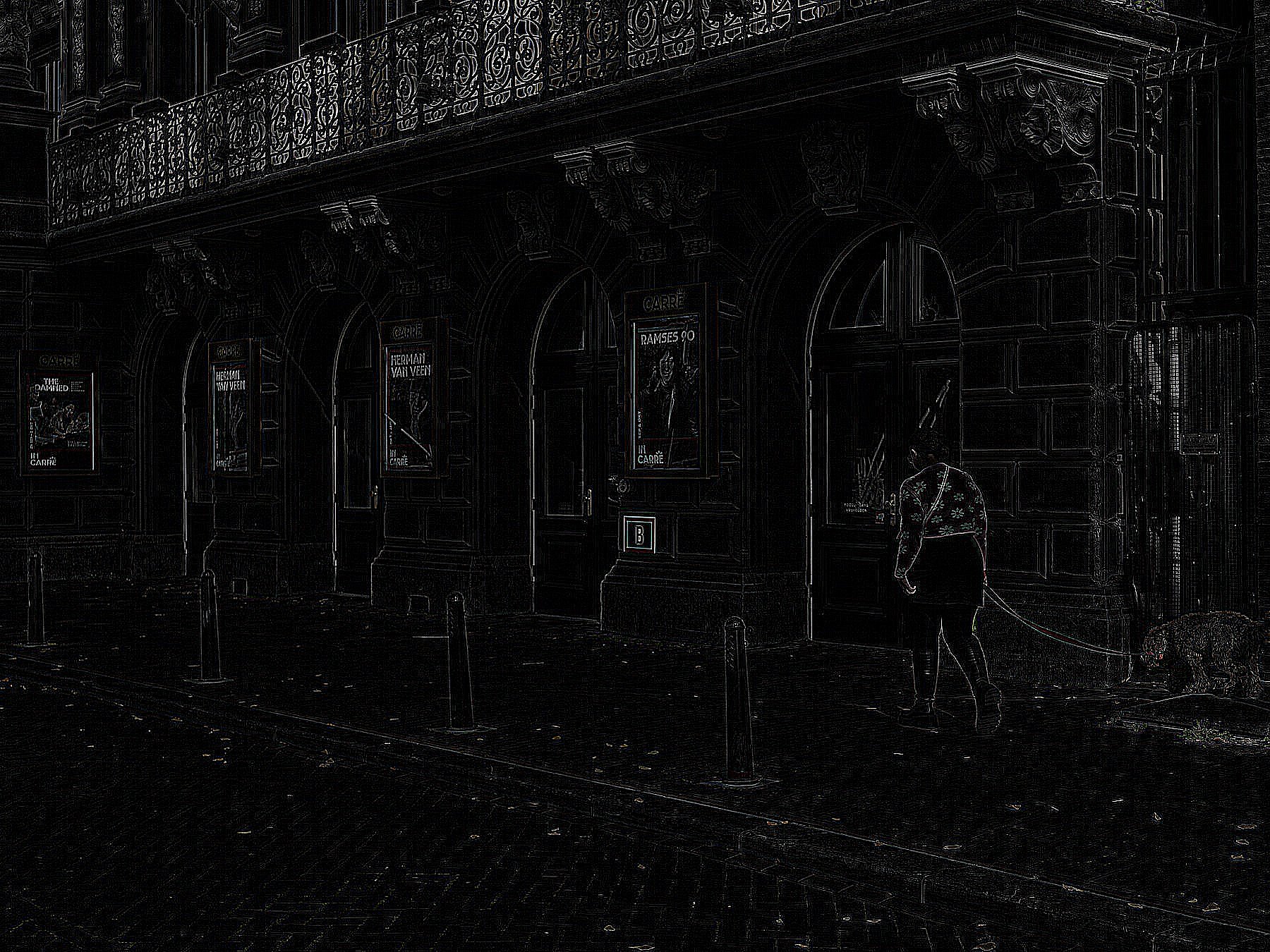
Monocular depth map generation using edge detection and Sobel gradients. Produces JET-colormapped depth visualizations from single images.
Image Segmentation
K-means clustering in LAB color space for automatic image segmentation. Generates distinct segment masks for scene understanding.
Image Transforms
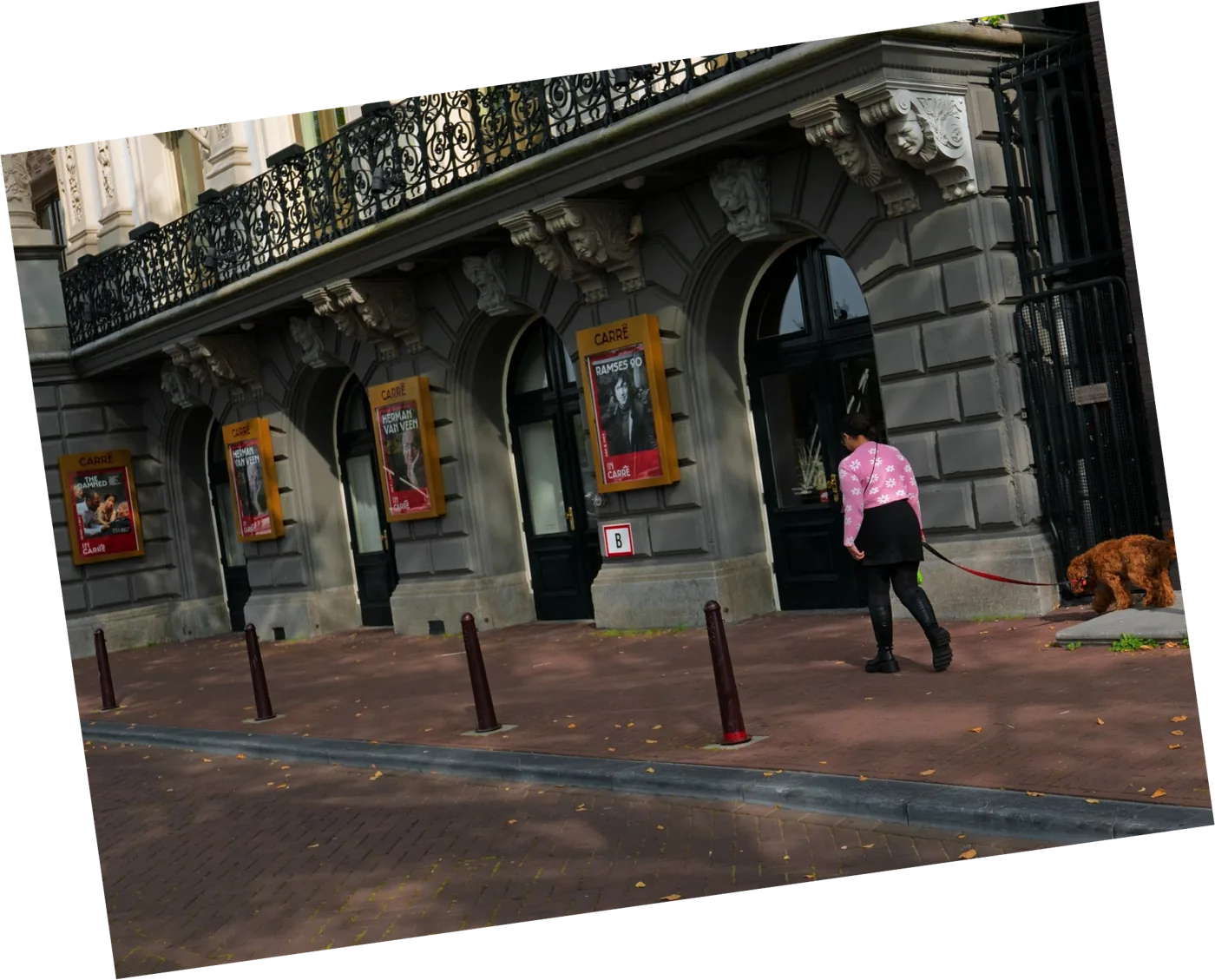
Resize, crop, rotate, flip, and apply artistic filters powered by ImageMagick. Chain multiple transformations in a single request.
Text Analysis
Word count, character statistics, spell checking, readability scoring, and text extraction. Process documents and strings with precision.
NLP Pipeline
Natural language processing with tokenization, sentiment analysis, entity extraction, and language detection. Understand text at scale.
How It Works
Inigami uses a simple TCP JSON protocol. Send a request, get structured results. No complex SDKs required.
Send Request
Your application sends a JSON request over TCP to the Inigami server specifying the processing operation and input data.
Process
The C++ server routes the request to the appropriate processing pipeline -- OpenCV, ImageMagick, or the NLP engine.
Receive Results
Structured JSON results are returned including processed data, file paths, detection results, or analysis output.
{ "request_id": "req-001", "type": "detect_objects", "image_path": "/data/photo.jpg" }
{ "request_id": "req-001", "result": { "objects": [ { "class": "person", "confidence": 0.95, "bbox": { "x": 120, "y": 80, "w": 200, "h": 350 } }, { "class": "car", "confidence": 0.88, "bbox": { "x": 400, "y": 200, "w": 300, "h": 180 } } ] } }
Ready to Process Media at Scale?
Get Inigami running in minutes. Build, start the server, and connect with TCP JSON or MCP tools.
Get Started Now